Eight tabs, not forty: a wedding planner with a real seating plan.
A Google Sheets and Excel spreadsheet for the budget, the guest list, the vendors and the day itself.
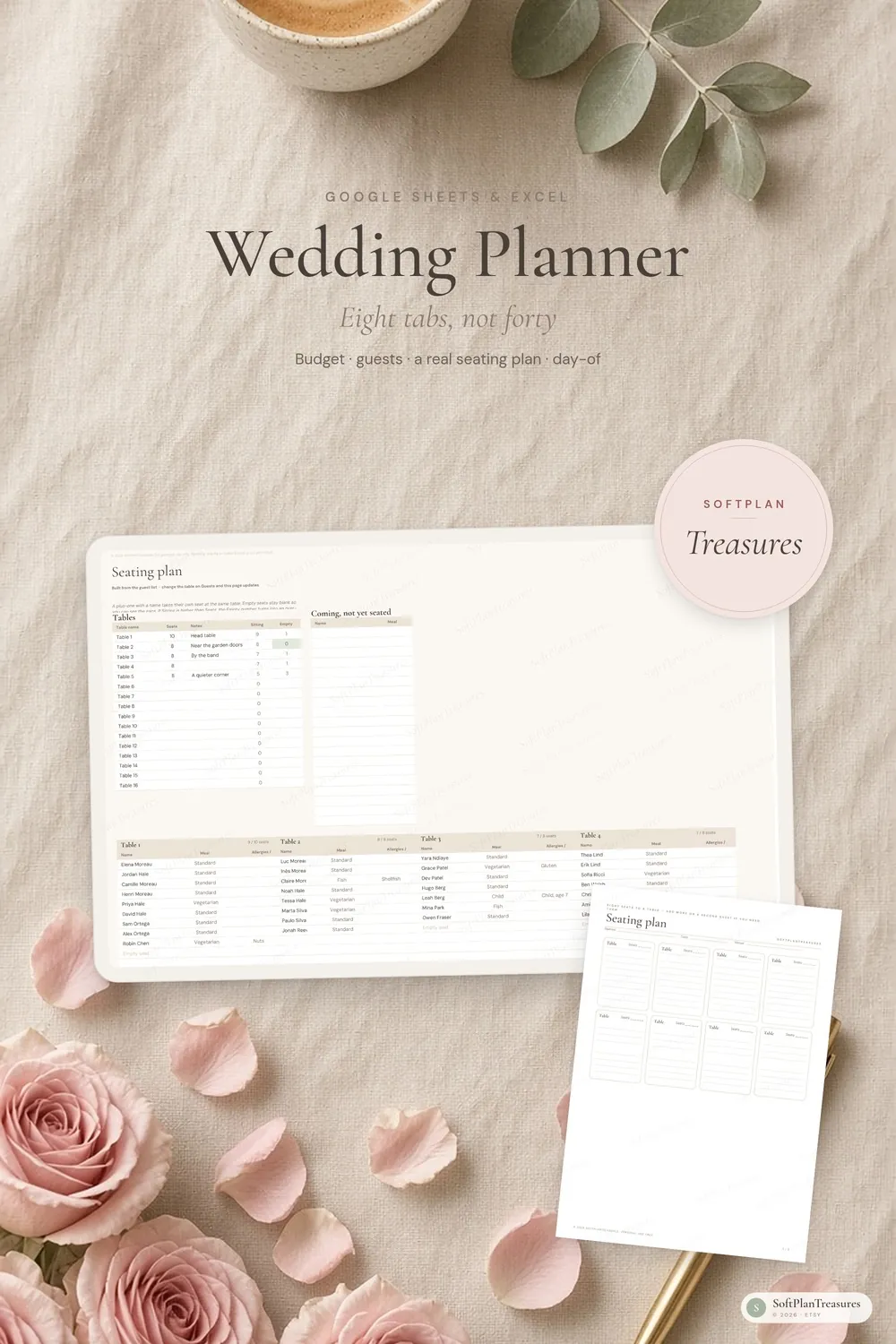
A calm wedding planner for Google Sheets and Excel. The budget subtracts what you have actually paid. The guest list is tied to a real seating chart — names, meals and empty seats, including plus-ones. A slim checklist dates itself from the wedding day, and the day-of schedule is ready to print and hand to someone. You will not find 400 empty pages here.
What you get
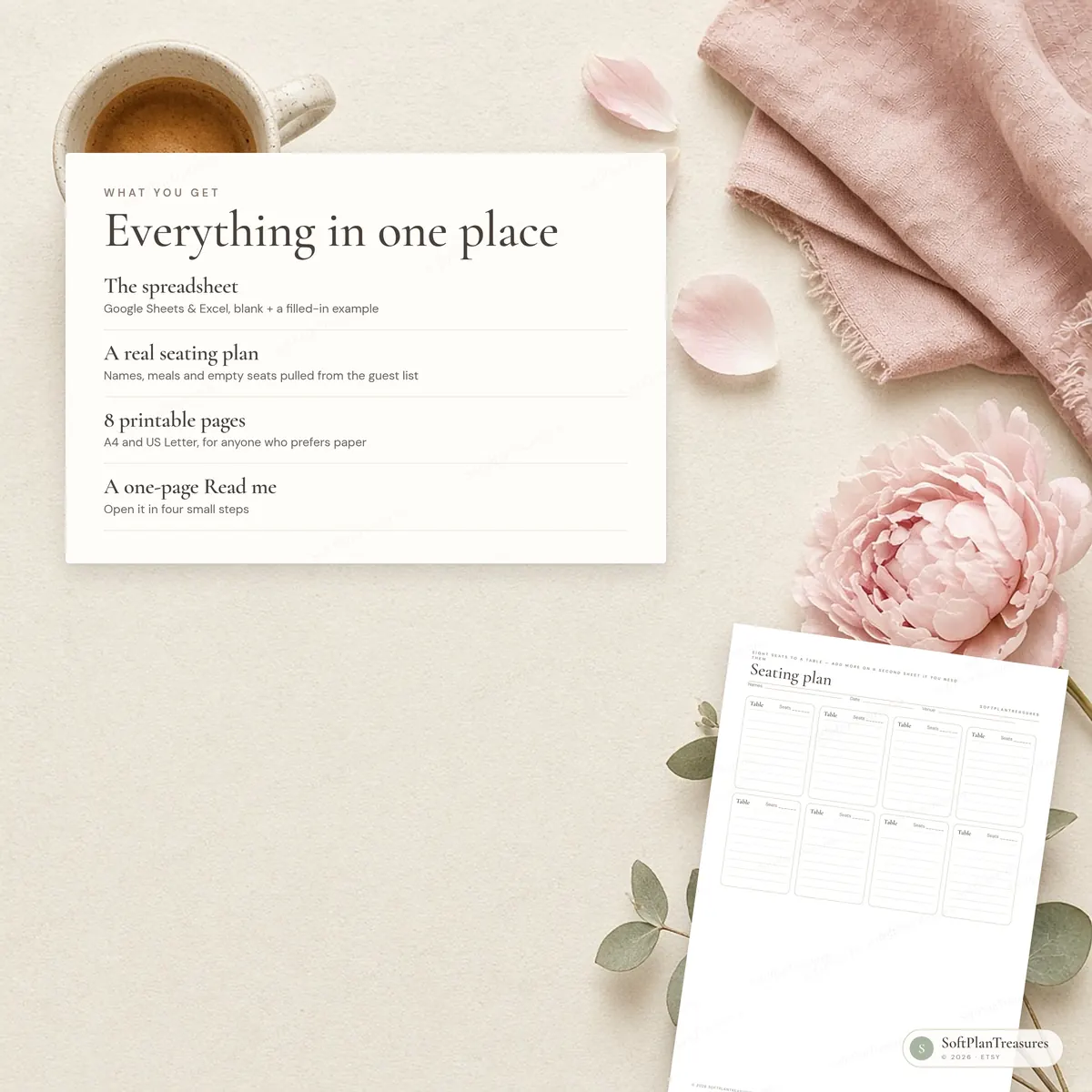
Wedding planner spreadsheet (.xlsx) for Google Sheets and Excel 2019 or newer, blank + a filled-in example
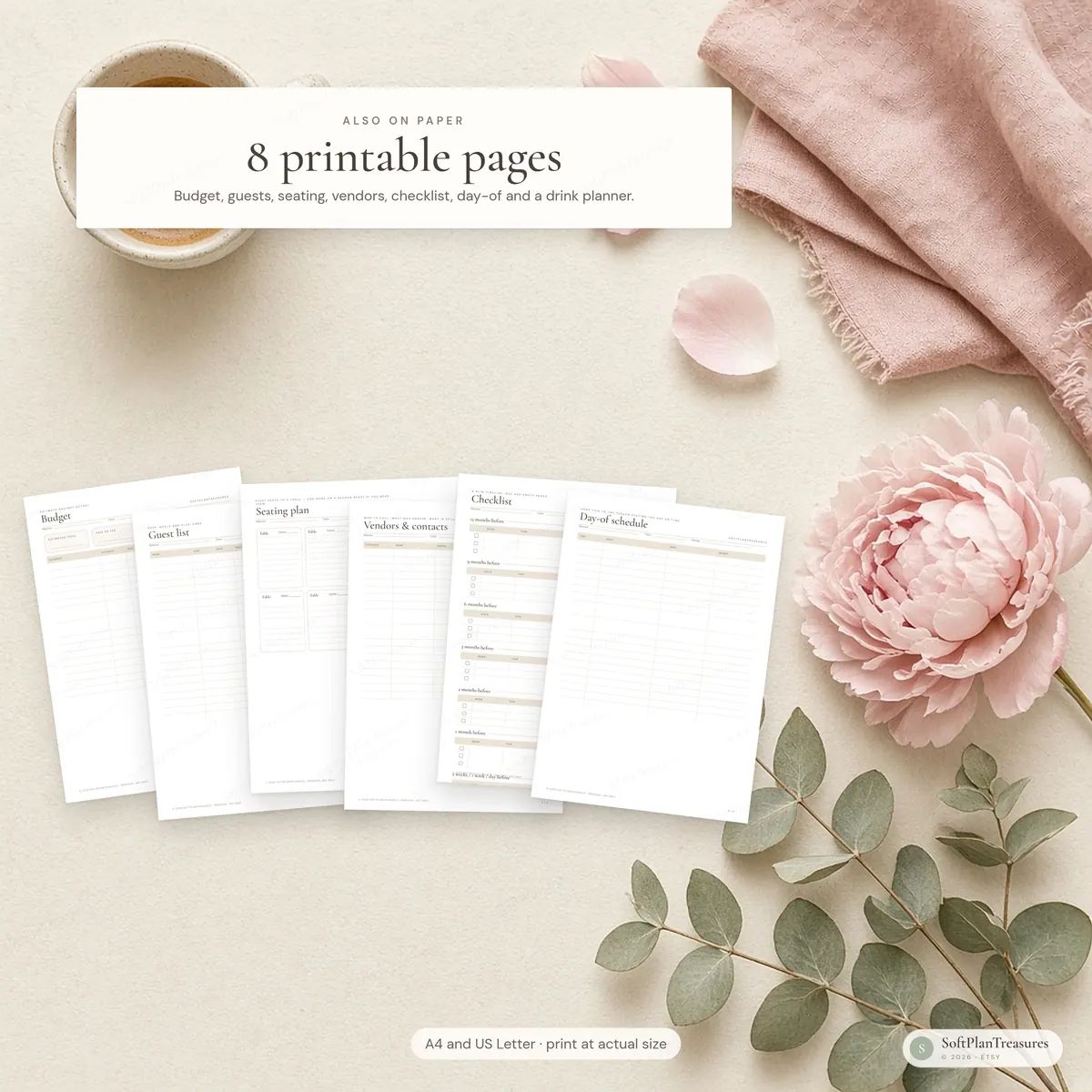
8 printable pages (PDF, A4 and US Letter)
A one-page quick start guide (Read me)
Eight tabs, not forty
Start Here, Overview, Budget, Guests, Seating, Vendors, Checklist and Day Of
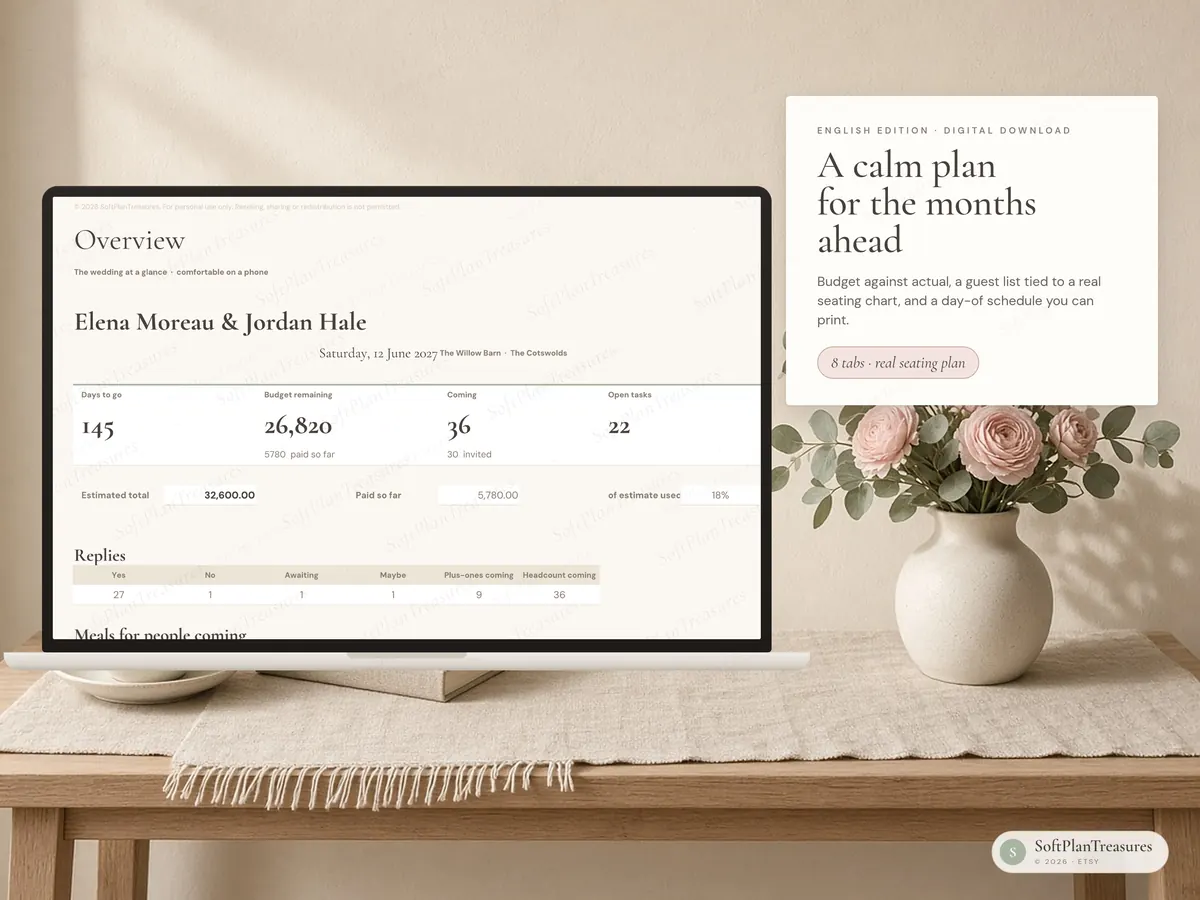
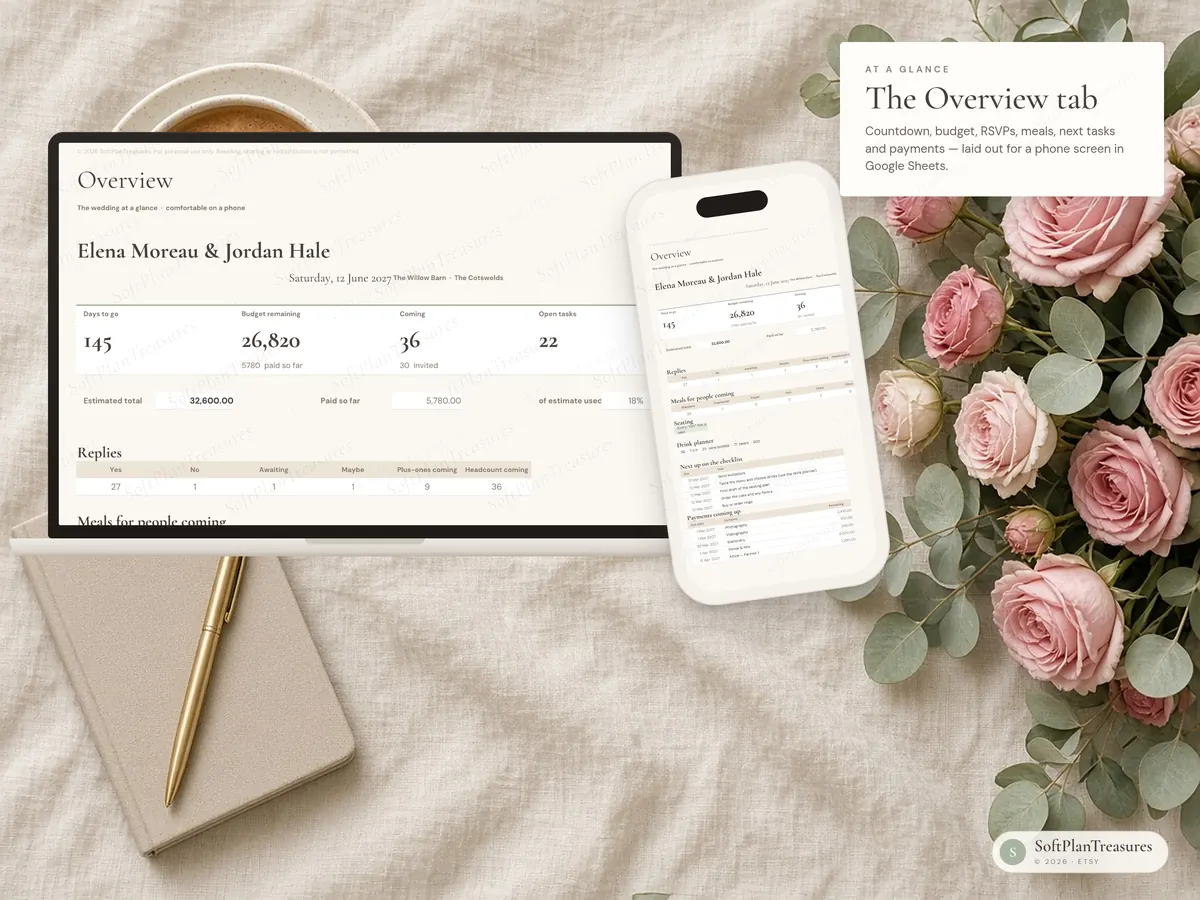
The Overview tab is laid out for a phone screen in Google Sheets: countdown, budget, RSVPs, meals, next tasks and payments
Budget, guests and seating are easiest on a tablet or a computer — we kept those sheets useful rather than squeezing them until the formulas broke
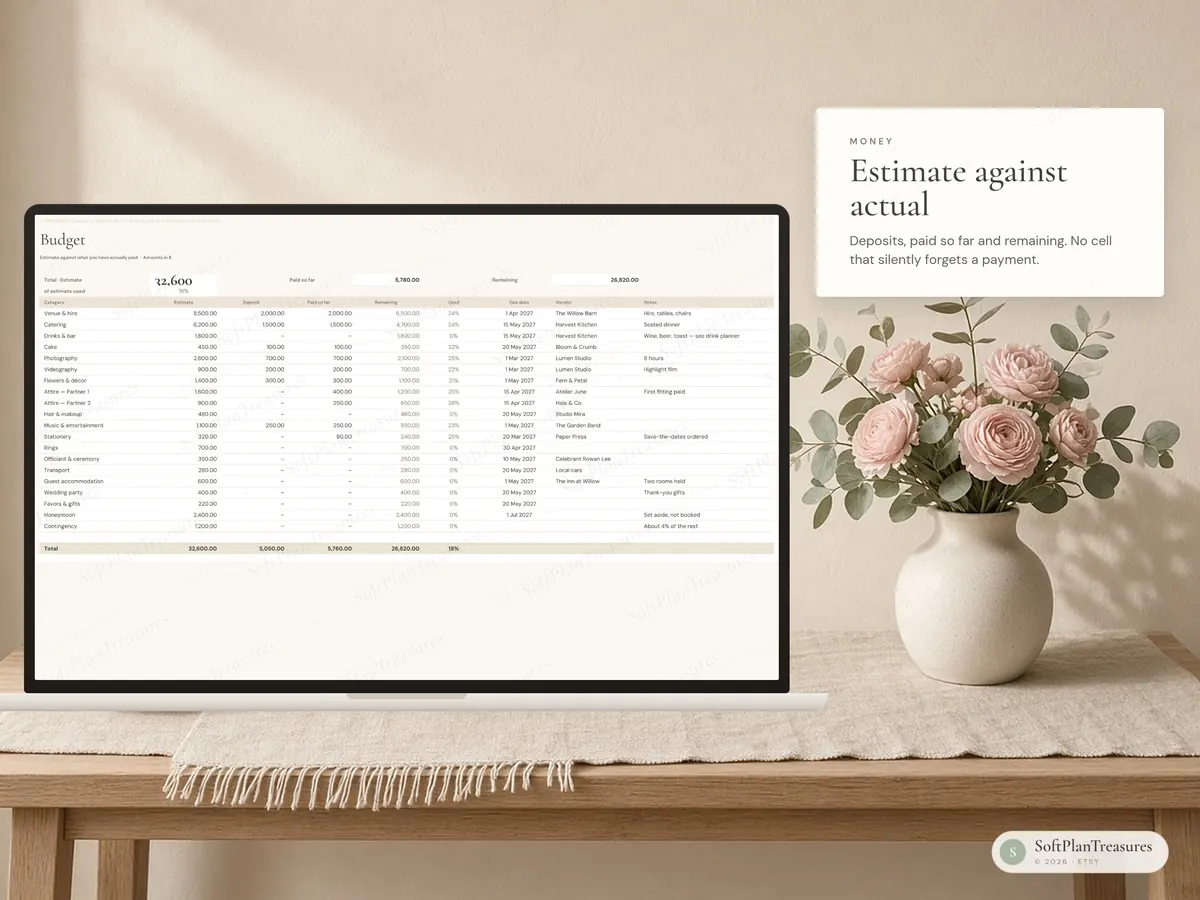
A budget that actually subtracts
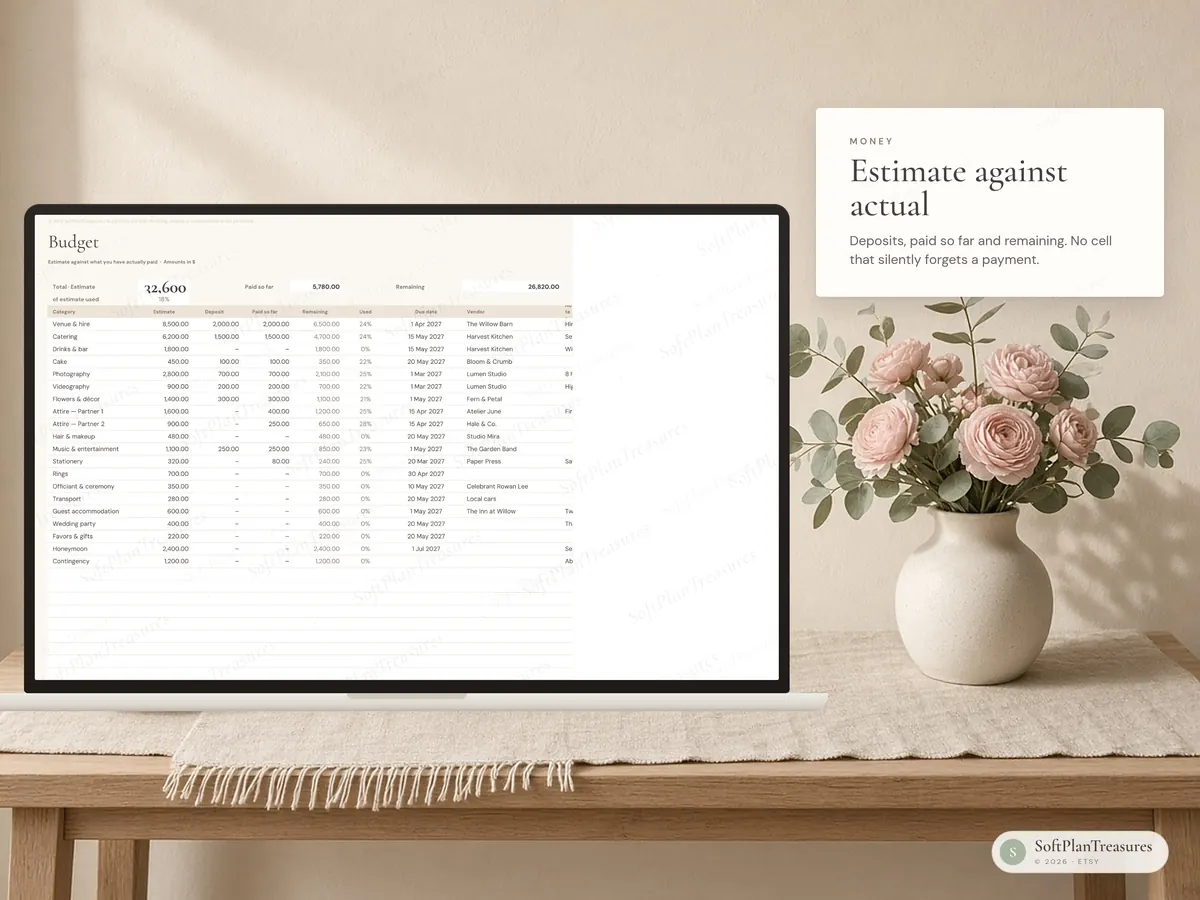
Estimate against what you have paid, with deposits, remaining and a running total
Upcoming payments show up on the Overview tab
Pick any currency symbol; amounts stay plain numbers so they work in any country
A guest list tied to a real seating plan
RSVP, meal, allergies, plus-one, stay and gifts — up to 80 guests
Assign a table on the guest list and the Seating tab fills in names, meals and empty seats
Plus-ones take their own seat at the same table
Up to 16 tables, with a clear warning if a table is over capacity
Meal counts for the people who have said yes, ready to send to the caterer
Vendors, checklist and the day itself
Quotes, deposits, balances and due dates, with a status colour
A slim timeline that dates itself from your wedding day — 12 months out to the day before, not a binder of blank months
Day-of running order plus a contact list you can print and share
A drink planner on Start Here, based on the people who have said yes (or on your guest estimate if the list is still empty)
Neutral wording for the two of you, the wedding party and the ceremony type (civil, religious, symbolic or other)
Printable pages
Budget · Guest list · Seating plan · Vendors & contacts · Checklist · Day-of schedule · Day-of contacts · Drink planner and ceremony notes
How to use it in google sheets
Download the files from Etsy (You → Purchases → Download files).
Go to Google Drive and upload the .xlsx file.
Open it and choose File → Save as Google Sheets.
You only need a free Google account. The file also opens directly in Excel (Excel 2019, 2021 or Microsoft 365). Apple Numbers is not supported.
Good to know
This is a digital download. Nothing will be shipped.
The spreadsheet is in English.
Numbers in the photos are sample data.
In Google Sheets, colours and fonts may look slightly different than in the photos. The formulas work the same.
This is an organising tool, not financial or legal advice.
Fonts (Cormorant Garamond and DM Sans) are free Google Fonts. The sheet works fine without them.
Colors may vary slightly between screens and printers.
Tabs are protected (no password) so formulas aren't deleted by accident. Every cell you need to fill in is open.
Instant download · Google Sheets & Excel · Blank + example file · Designed in Norway
Questions
What do I get?
An instant digital download with a link to the Google Sheets file, an Excel file and printable pages, with a blank version and a filled-in example. Nothing is shipped.
Do I need Excel?
No. It works in free Google Sheets in your browser or the Google Sheets app, and in Microsoft Excel if you prefer.
Can I use it on my phone?
Yes. Open it in the Google Sheets app to update it on the go; it is easiest to set up the first time on a computer.
Is it in English or Norwegian?
Each planner comes in two separate versions. This listing is the English version; the other language is linked further down the page.
Where can I buy it?
Etsy is our main shop. The same file is also available on Payhip and Gumroad, so you can choose the checkout you prefer.