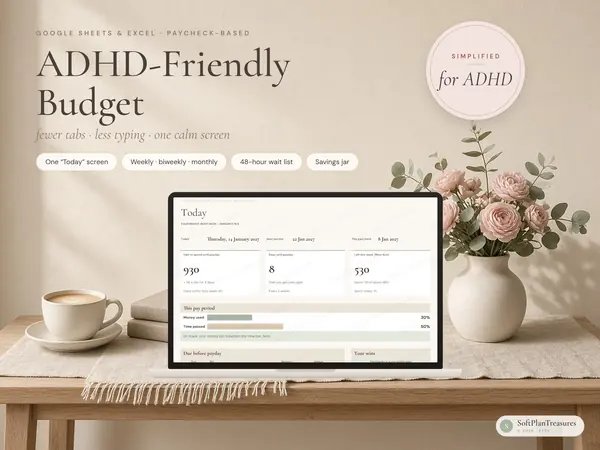
A calm, clutter-free budget spreadsheet for Google Sheets and Excel. Plan what you want to spend, type what you actually spent, and the sheet does the math. The dashboard shows how your month is going, and dedicated tabs help you with paychecks, bills, savings goals, sinking funds and debt.
What you get
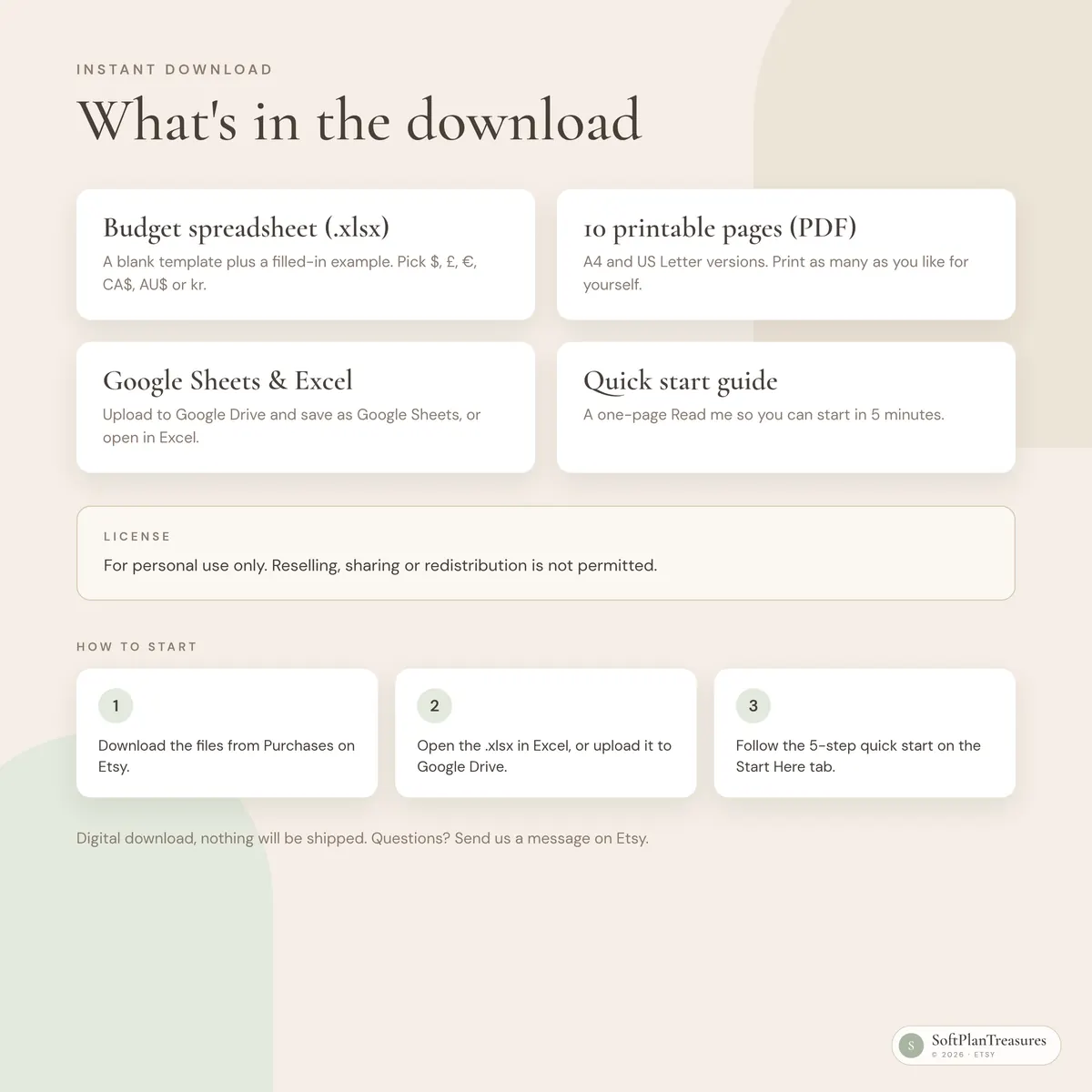
Budget spreadsheet (.xlsx) for Google Sheets and Excel, blank + a filled-in example
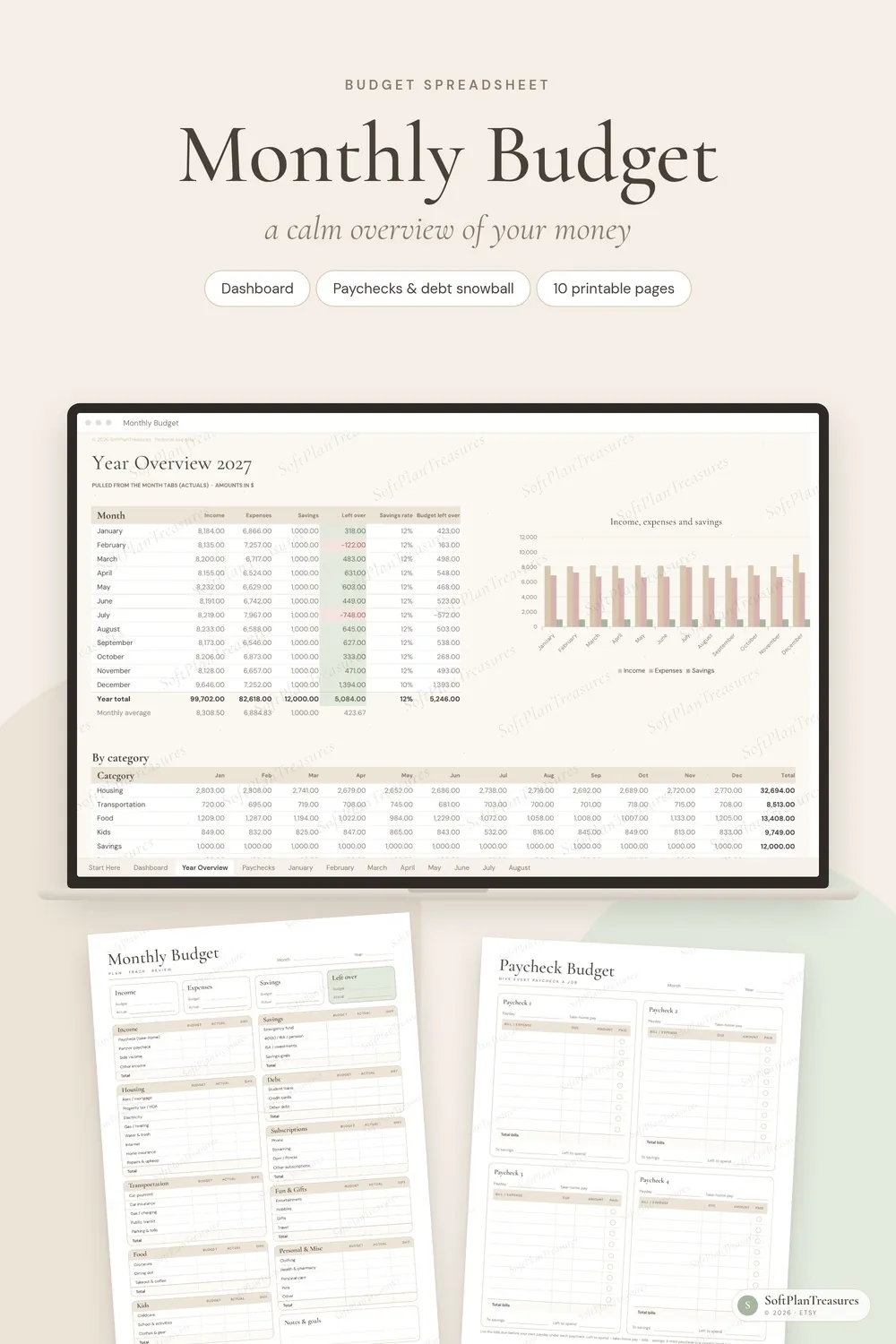
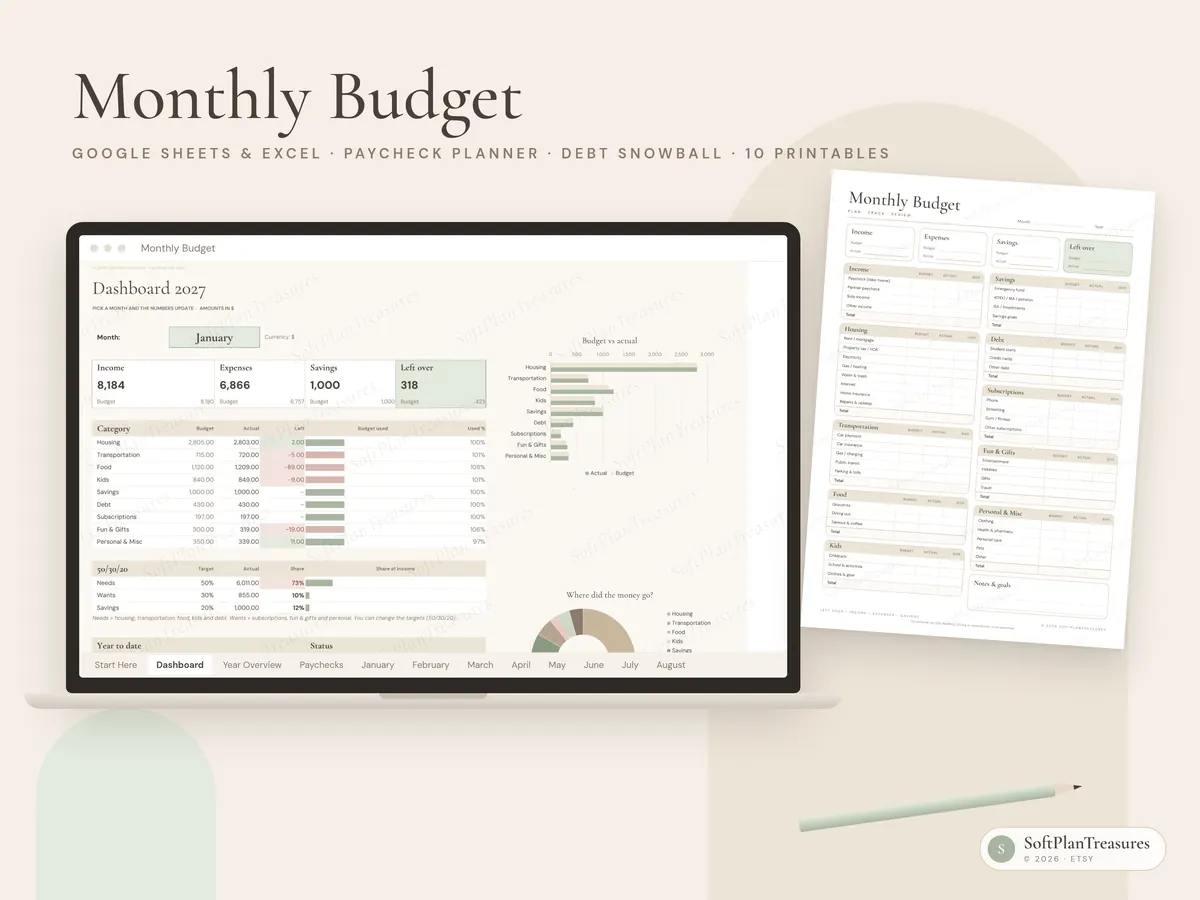
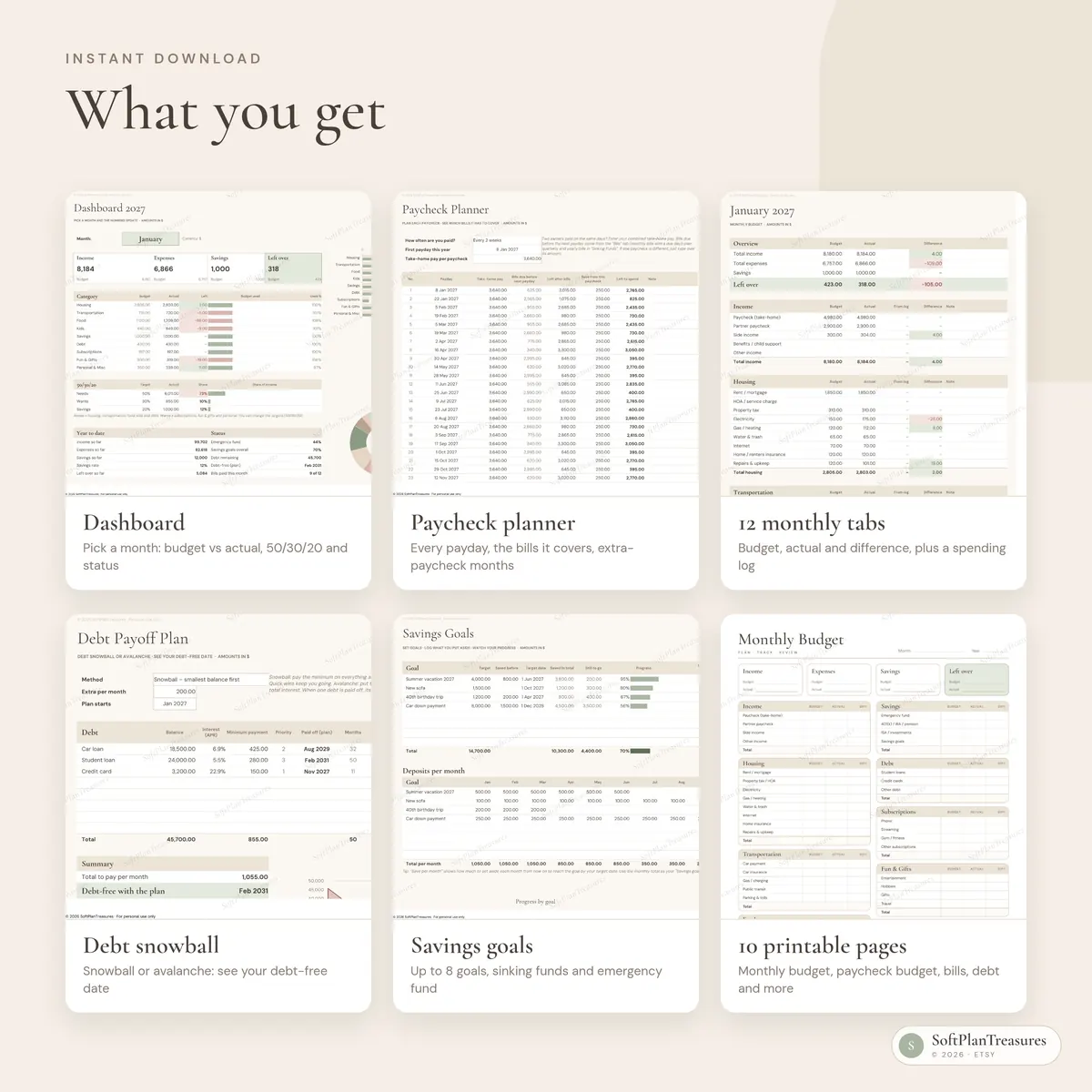
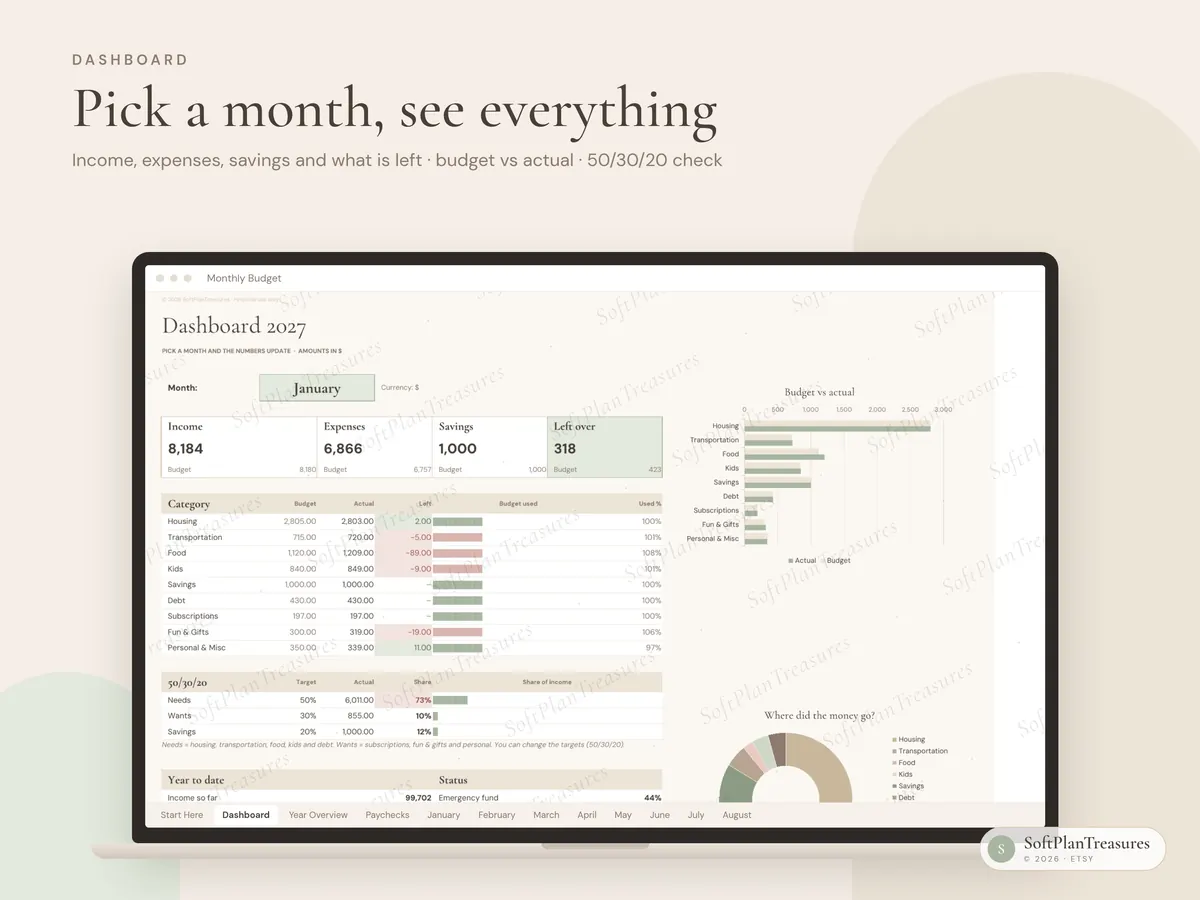
Dashboard: pick a month and see income, expenses, savings and what's left, budget vs actual by category with charts, and a 50/30/20 check
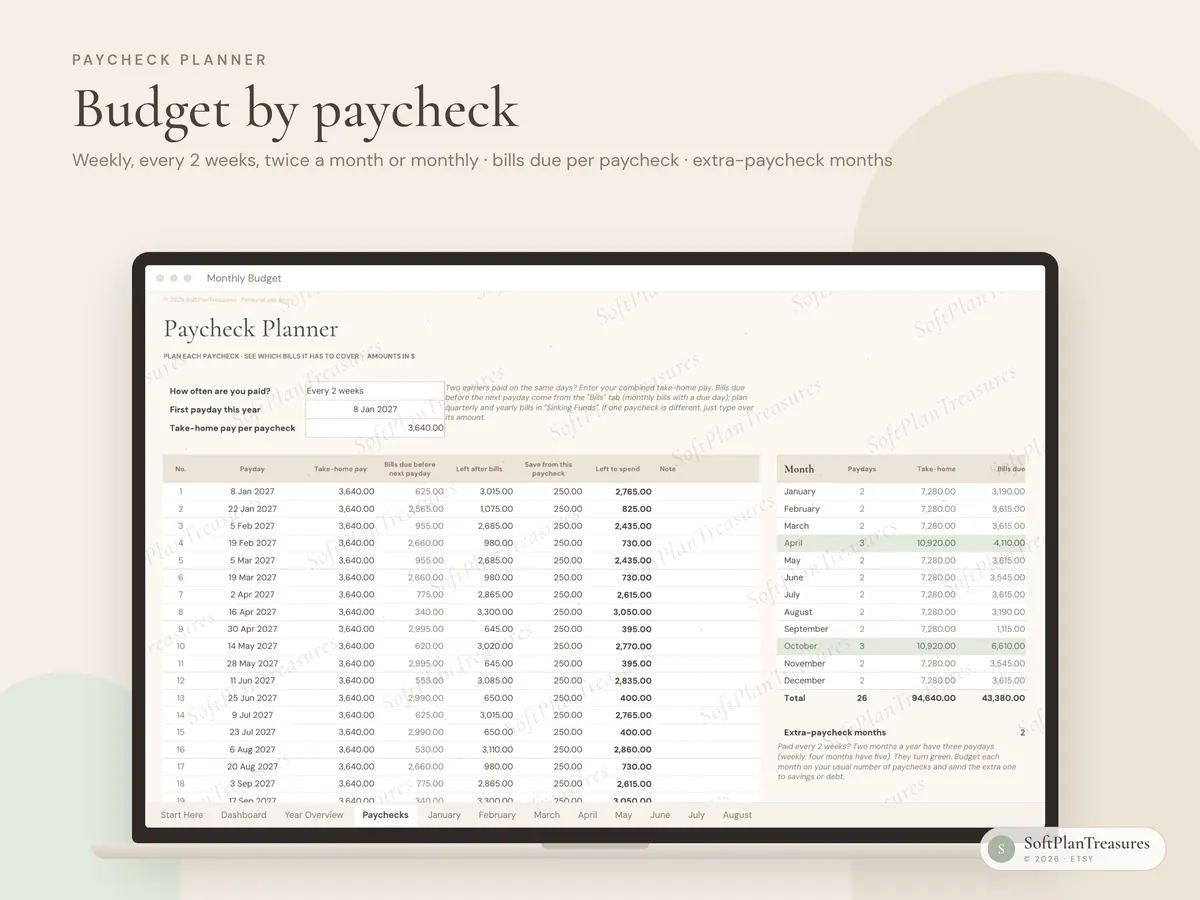
Paycheck planner: paid weekly, every 2 weeks, twice a month or monthly? See every payday of the year, which bills each paycheck needs to cover, and which months have an extra paycheck
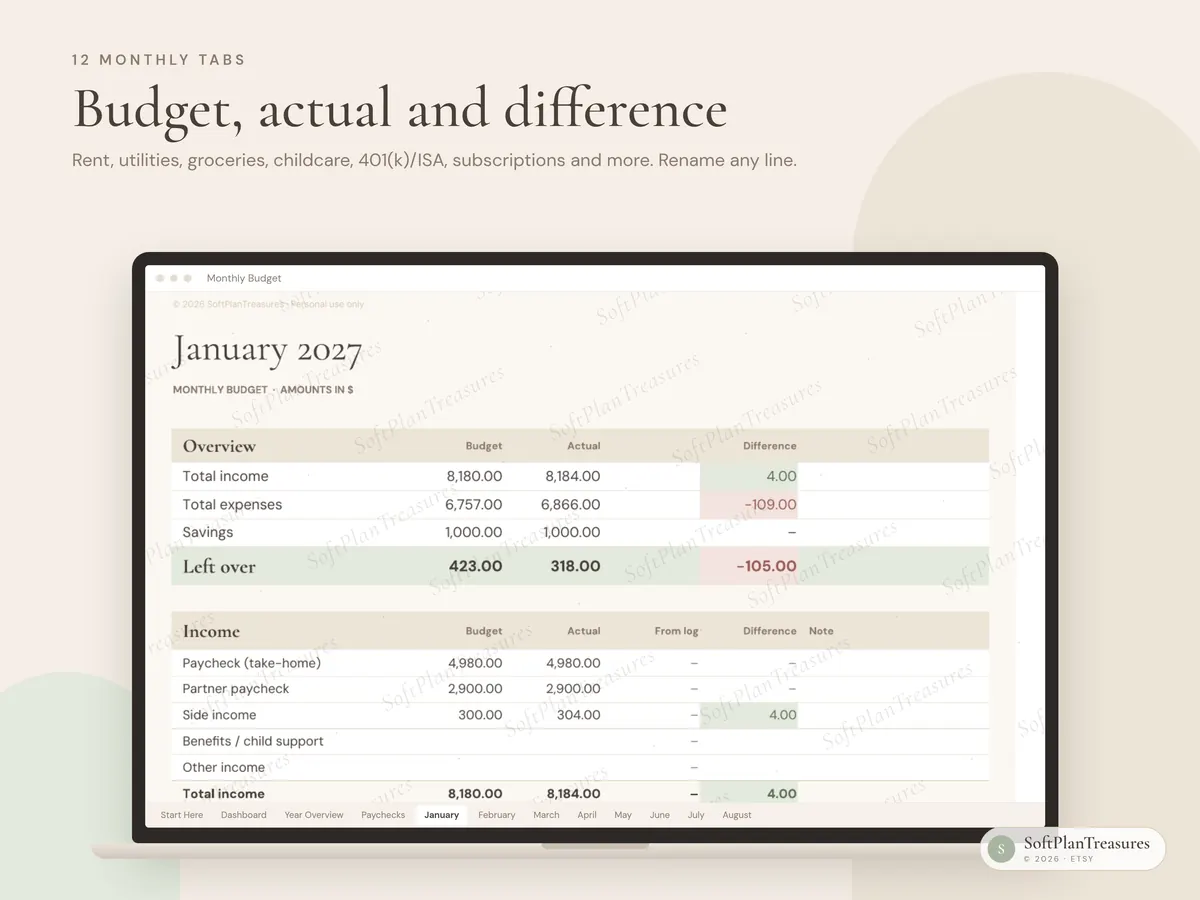
12 monthly tabs with Budget, Actual and Difference
Spending log: type purchases as you go and they land in the right month and category automatically
Year overview with charts and a breakdown by category
Bills & subscriptions: due day, how you pay (autopay, card, bank transfer, PayPal), check off when paid, and how much you could save by cancelling subscriptions you don't use
Savings goals: up to 8 goals with progress bars and how much to save each month to get there on time
Emergency fund & sinking funds: how big your emergency fund should be, plus monthly set-asides for yearly costs like car insurance, holidays and gifts
Debt payoff: choose the debt snowball or debt avalanche, add an extra payment and see roughly when you'll be debt-free and how much interest you save, with a month-by-month payoff schedule
Net worth: assets minus debts, month by month, with a chart
A "Categories" tab: rename budget lines once and they change everywhere
Currency symbol picker: $, £, €, CA$, AU$ or kr
10 printable pages (PDF, A4 and US Letter): monthly budget, paycheck budget, year overview, bill tracker, savings goals, emergency & sinking funds, debt payoff, spending log, net worth and a no-spend month challenge
A one-page quick start guide (Read me)
Budget lines that fit real life
Rent/mortgage, utilities, car payment, insurance, groceries, dining out, childcare, student loans, credit cards, 401(k)/IRA/pension, ISA/investments, subscriptions and more. Rename anything to fit your household.
How it works
White cells are for typing. Everything else calculates itself.
Green means better than planned, pink means a little over.
Track spending right in the month tab, or purchase by purchase in the spending log.
A "Start Here" tab with a 5-step quick start explains everything.
How to use it in google sheets
Download the files from Etsy (You → Purchases → Download files).
Go to Google Drive and upload the .xlsx file.
Open it and choose File → Save as Google Sheets.
You only need a free Google account. The file also opens directly in Excel (Microsoft 365 / Excel 2019 or newer).
Good to know
This is a digital download. Nothing will be shipped.
The spreadsheet is in English. Numbers are shown without a currency sign so they work in any country; the symbol you pick appears at the top of every tab.
Numbers in the photos are sample data.
In Google Sheets, charts and fonts may look slightly different than in the photos. The formulas work the same.
The debt plan and paycheck planner are estimates, not financial advice. Your lender has the exact numbers.
Fonts (Cormorant Garamond and DM Sans) are free Google Fonts. The sheet works fine without them.
Colors may vary slightly between screens and printers.
Tabs are protected (no password) so formulas aren't deleted by accident. Every cell you need to fill in is open.
Instant download · Google Sheets & Excel · Blank + example file · Designed in Norway
Questions
What do I get?
An instant digital download with a link to the Google Sheets file, an Excel file and printable pages, with a blank version and a filled-in example. Nothing is shipped.
Do I need Excel?
No. It works in free Google Sheets in your browser or the Google Sheets app, and in Microsoft Excel if you prefer.
Can I use it on my phone?
Yes. Open it in the Google Sheets app to update it on the go; it is easiest to set up the first time on a computer.
Is it in English or Norwegian?
Each planner comes in two separate versions. This listing is the English version; the other language is linked further down the page.
Where can I buy it?
Etsy is our main shop. The same file is also available on Payhip and Gumroad, so you can choose the checkout you prefer.